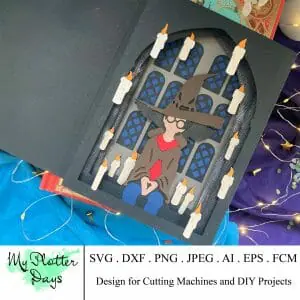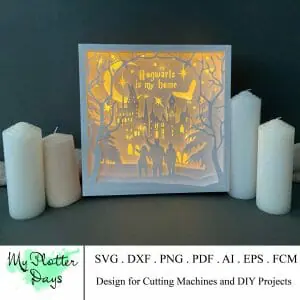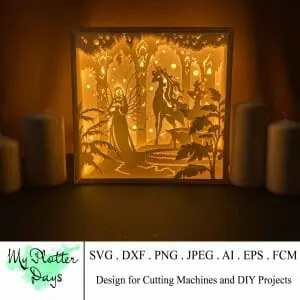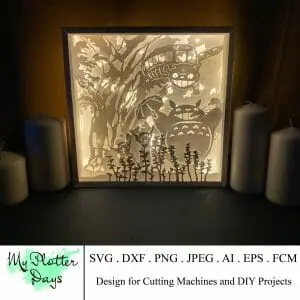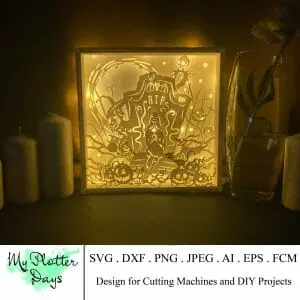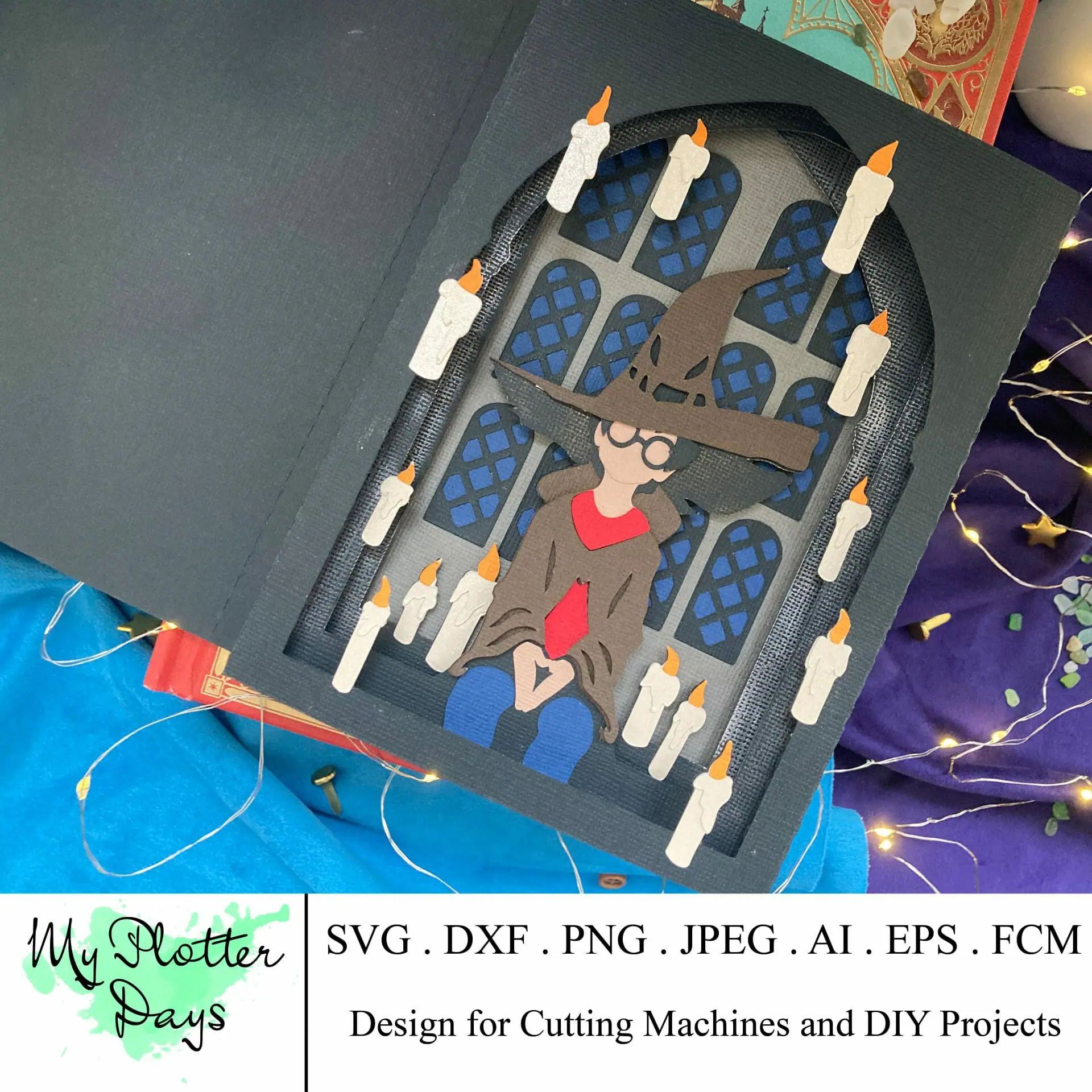
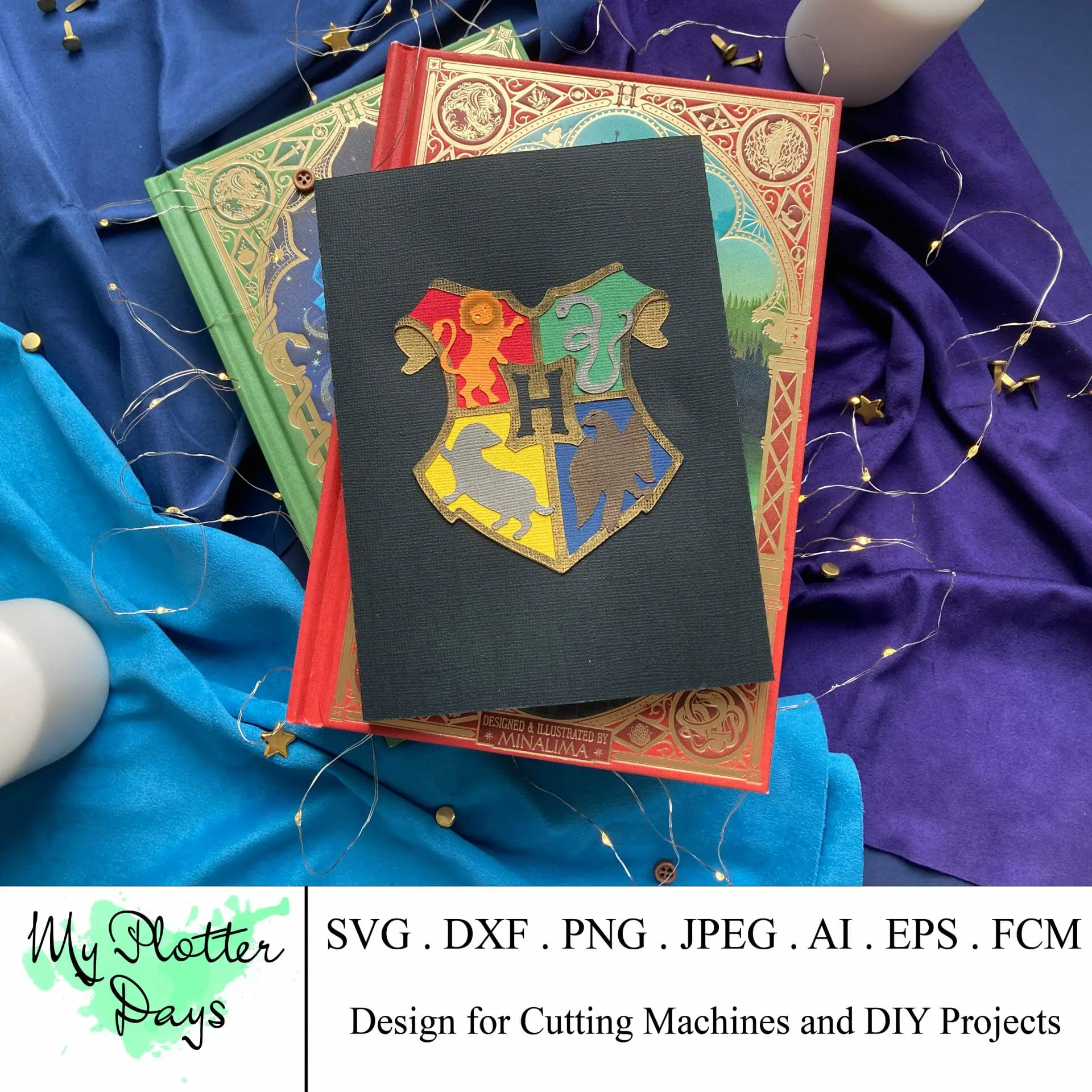
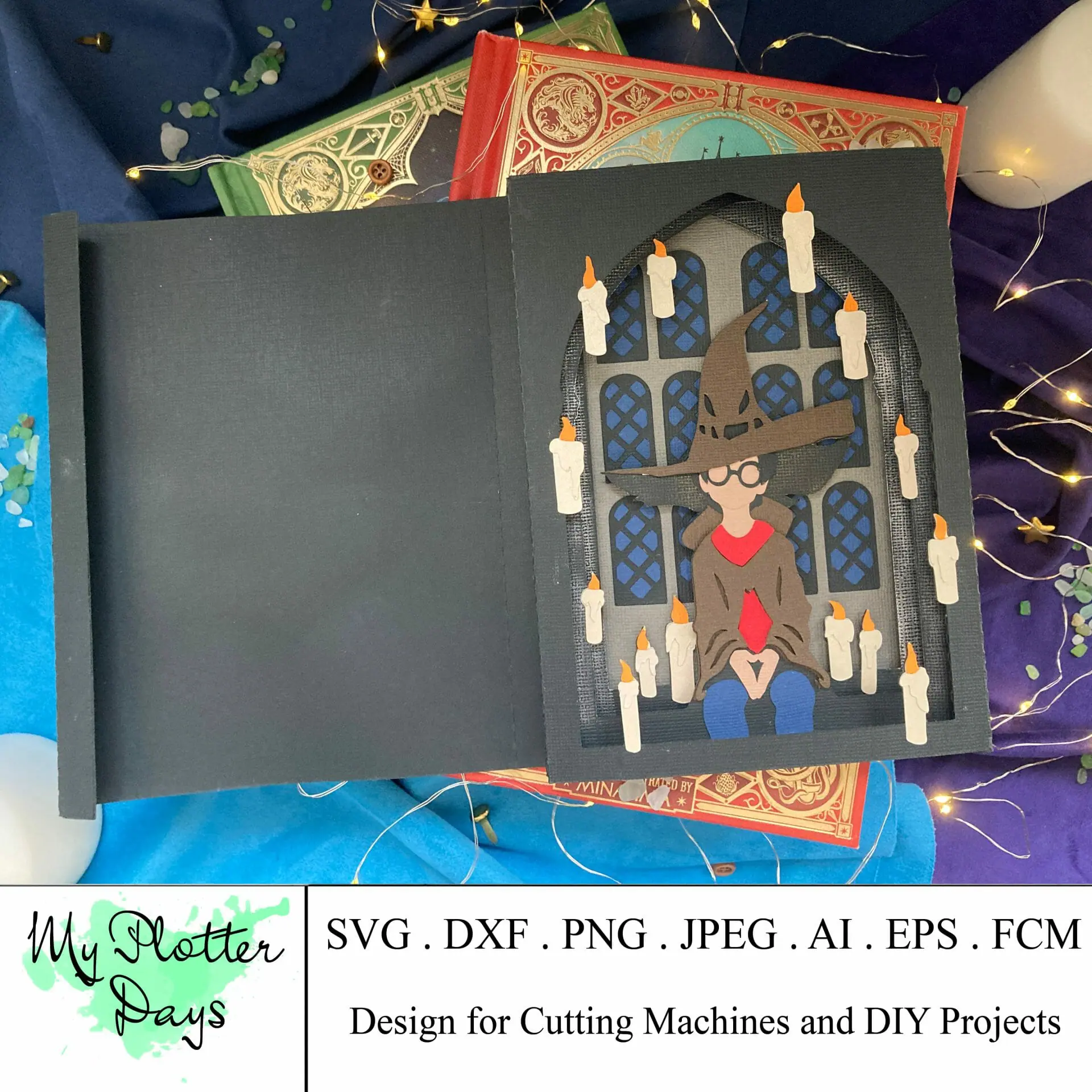

Here we will create new pop up card with the Wizard. I hope that it will be a great idea of gift for real HP-fan.
You will receive the following files to cut out them on plotter:
-SVG
– AI
– DXF
– FCM
– EPS
– instruction for candles
– link with video-instruction
To create this tunnel card you will need:
– Cutting machine
– 2 Magnets (0.5-0.7 mm)
– Glue
– Wax (not optional, you can change it for acrylic paints)
Paper:
1. Black paper – 3 sheets 12×12 inches
2. Blue paper – 1 sheet 12×12 inches
3. Body paper – 1 sheet 12×12 inches
4. Brown paper – 1 sheets 12×12 inches
5. Dark grey paper – 1 sheet 12×12 inches
6. Gold paper – 1 sheets 12×12 inches
7. Green paper – 1 sheet 12×12 inches
8. Light gold paper – 1 sheet 12×12 inches
9. Orange paper – 1 sheets 12×12 inches
10. Red paper – 1 sheet 12×12 inches
11. Yellow paper – 1 sheets 12×12 inches
Difficulty level – 6/10
Pay attention:
1. You need to use well preserved blades and cutting mats to achieve good cutting results.
2. All layouts are assorted in several folders according to the file format (SVG, DXF, FCM), and then – to the color.
Terms of use:
• For PERSONAL use only (up to 50 copies)
• For commercial license please contact me in direct
If you have any questions – please contact me here, or under the video.